
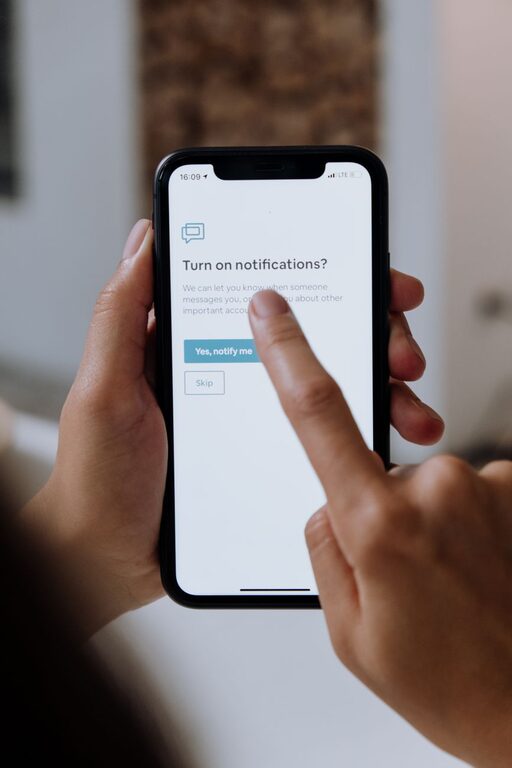
In today’s fast-paced digital world, notifications from apps, emails, and devices can be overwhelming. While they keep us informed, constant alerts often disrupt our focus, increase stress, and reduce productivity. Setting clear boundaries with notifications helps create a healthier relationship with technology and allows us to concentrate on what matters most.
In this post, we’ll explore practical tips for managing notifications so you can stay productive and enjoy more control over your digital environment.
Why Setting Boundaries with Notifications Matters
Notifications are designed to grab your attention, but frequent interruptions can fragment your focus and prolong tasks. These distractions can lead to:
– Increased stress and anxiety
– Lowered productivity
– Difficulty in maintaining deep focus
– Poor work-life balance
By taking control of your notifications, you reduce these negative effects and create space for intentional focus.
Tips for Managing Notifications Effectively
1. Audit Your Notifications Regularly
Start by reviewing which apps and services are sending you notifications. Ask yourself:
– Do I really need to know about this immediately?
– Is this notification helpful or just noise?
Turn off notifications from apps that are not essential. Many times, you’ll find alerts from social media, shopping apps, or games that can be disabled without missing anything important.
2. Use Do Not Disturb Modes Strategically
Most smartphones and computers have a “Do Not Disturb” or focus mode feature. Use these to silence notifications during:
– Work sessions
– Meetings
– Sleep hours
You can customize settings to allow calls from important contacts or urgent notifications while muting the rest.
3. Schedule Specific Times to Check Notifications
Instead of reacting instantly to every alert, set specific times during the day to check emails, messages, and social media. For example:
– Morning check-in
– After lunch
– End of the workday
Batching notification reviews prevents constant interruptions and helps maintain a productive workflow.
4. Customize Notification Settings for Each App
Many apps offer granular control over the types of notifications you receive. Some tips include:
– Disable push notifications but keep email summaries
– Turn off sound alerts but keep visual banners
– Prioritize notifications from important contacts or groups only
Taking a few minutes to customize these options will make notifications less distracting and more meaningful.
5. Use Notification Summary Features
Some devices provide a summary feature that collects non-urgent notifications and delivers them at set times. This helps reduce constant alerting throughout the day while still keeping you informed.
6. Declutter Your Home Screen and Notification Center
Having too many apps or unread notifications visible can be distracting. Keeping your home screen minimal and regularly clearing notifications helps reduce the temptation to check them impulsively.
7. Communicate Your Boundaries with Others
Let coworkers, friends, and family know about your notification boundaries. For example, you might indicate:
– Times when you won’t respond to messages immediately
– Preferred channels for urgent communication
Clear communication helps others respect your focus time.
Tools and Apps That Help Manage Notifications
Several tools can assist in managing your notifications more effectively:
– Focus apps: Such as Forest, Focus@Will, or Freedom that block distracting apps or limit access during work intervals.
– Email management tools: Like SaneBox or Clean Email that organize, filter, or delay incoming messages.
– Built-in device features: Use Screen Time (iOS) or Digital Wellbeing (Android) to monitor and control notifications.
Benefits of Controlling Your Notifications
By setting boundaries with notifications, you can expect:
– Improved concentration and deeper work sessions
– Reduced stress and digital overwhelm
– Better time management and productivity
– Enhanced work-life balance and more restful downtime
Final Thoughts
Notifications can be helpful, but without boundaries, they often lead to distractions and stress. Taking the time to audit, customize, and schedule notifications enables you to take back control of your attention. Experiment with these tips and create a notification system that supports your goals and wellbeing.
Remember, the goal is not to eliminate notifications completely, but to make them work for you, not against you.
—
By adopting thoughtful notification habits today, you’ll find yourself more focused, calm, and in control of your time. Give these strategies a try and enjoy the benefits of a quieter, more intentional digital life.